---
description: Get started with just a few easy clicks
---
# Installing MESA
## Install from getmesa.com
{% stepper %}
{% step %}
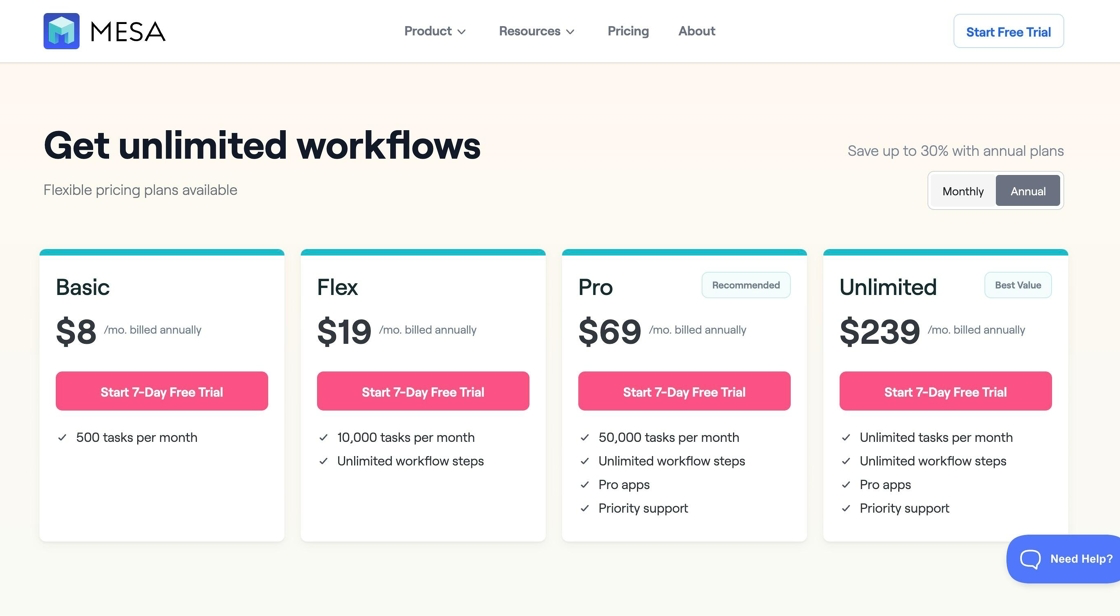
Navigate to [https://www.getmesa.com/pricing](https://www.getmesa.com/pricing)
{% endstep %}
{% step %}
Select a plan to start your 7-day free trial
{% endstep %}
{% step %}
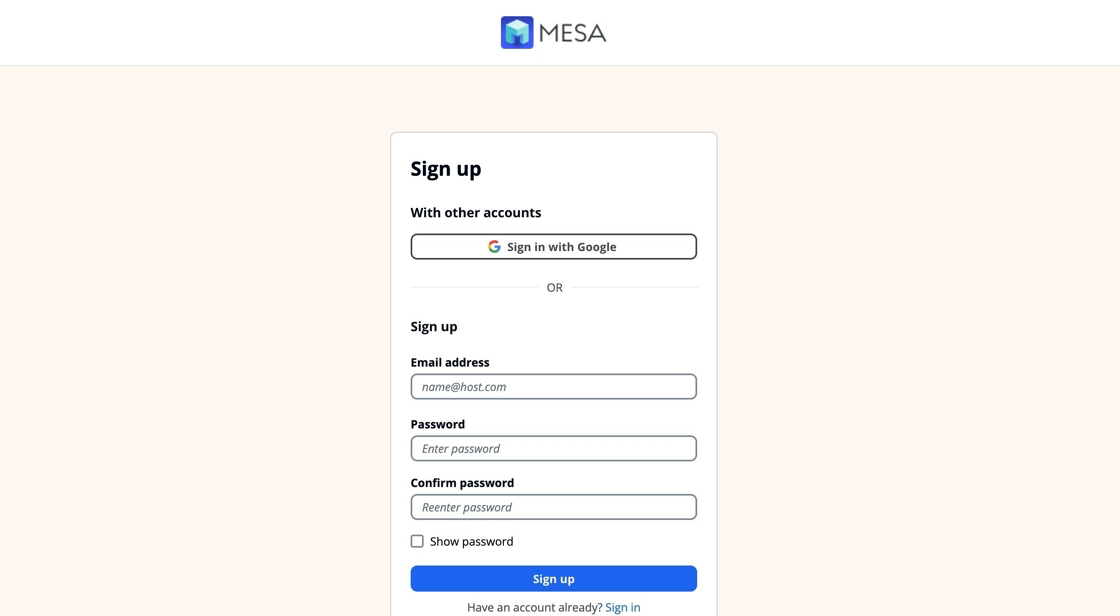
Sign up with your Google account or an email address and password
{% endstep %}
{% step %}
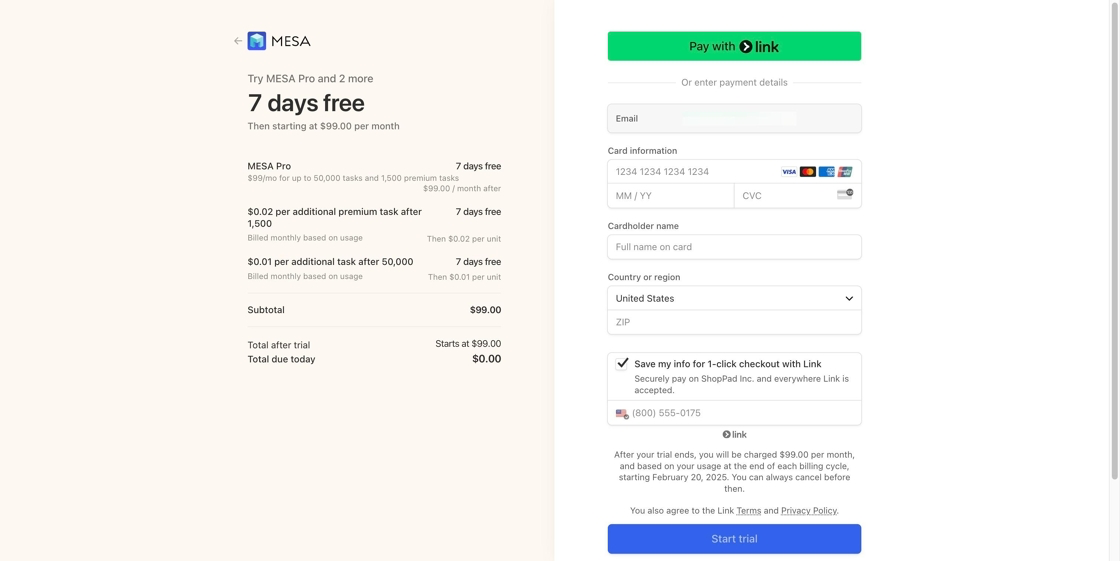
Enter your payment info to start your trial
{% endstep %}
{% step %}
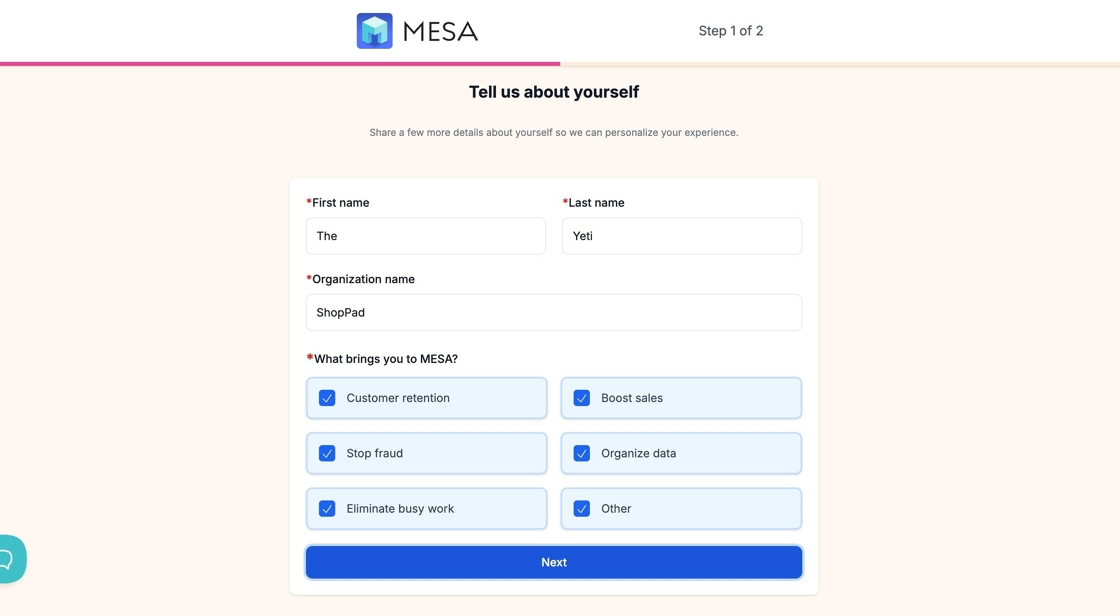
Tell us about yourself and get started!
{% endstep %}
{% endstepper %}
## Install from Shopify
{% stepper %}
{% step %}
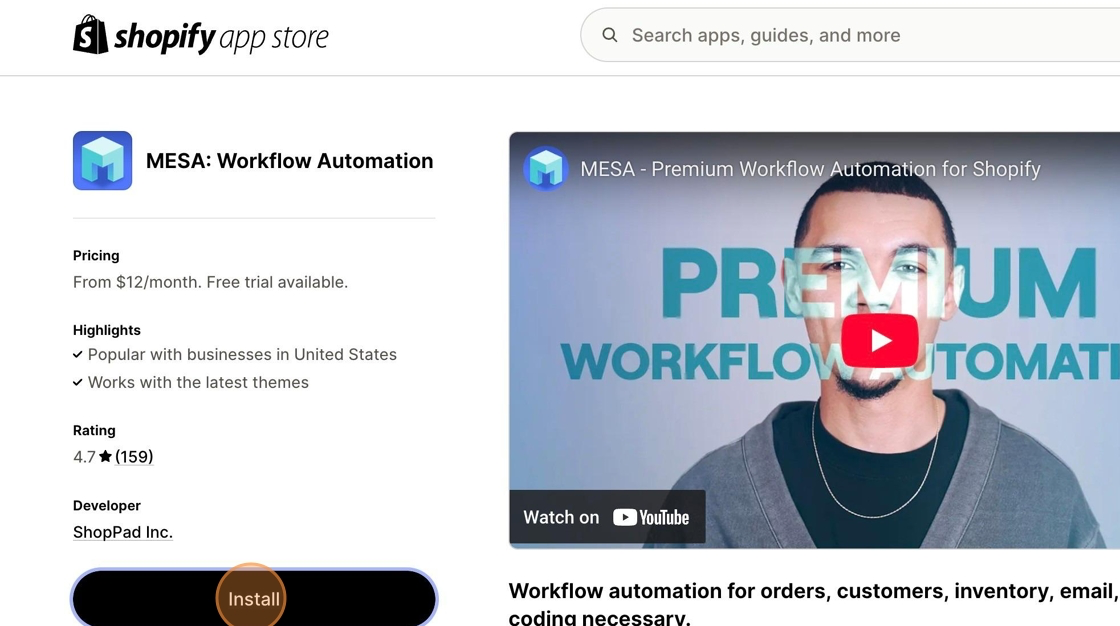
Navigate to [https://apps.shopify.com/mesa](https://apps.shopify.com/mesa)
{% endstep %}
{% step %}
Click "Install" to add MESA from Shopify's App Store
{% endstep %}
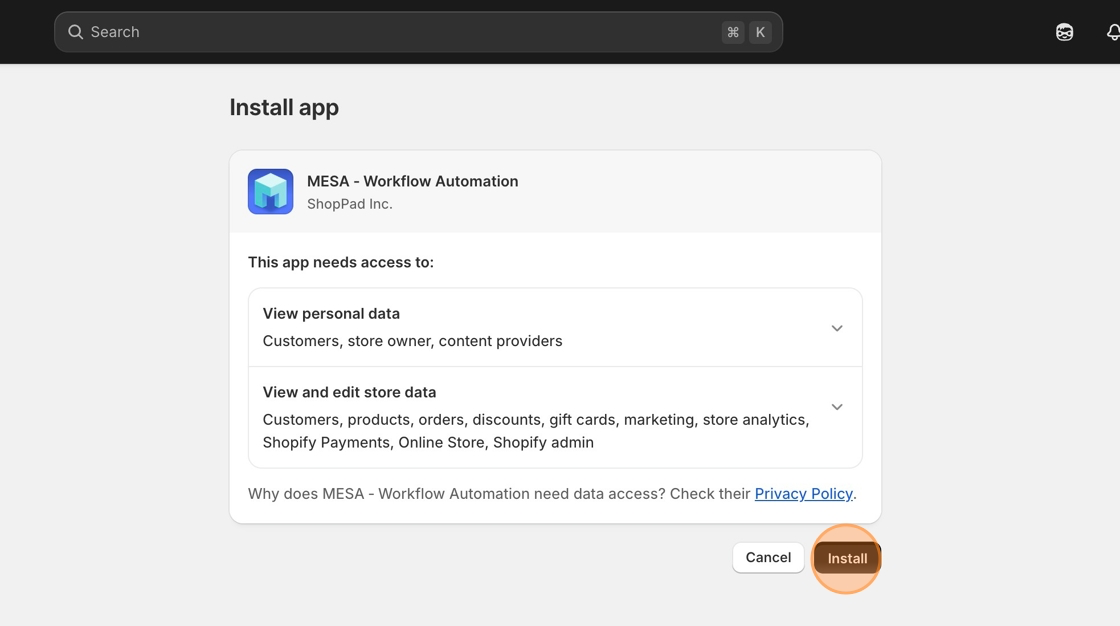
{% step %}
Click "Install" to begin installing
{% endstep %}
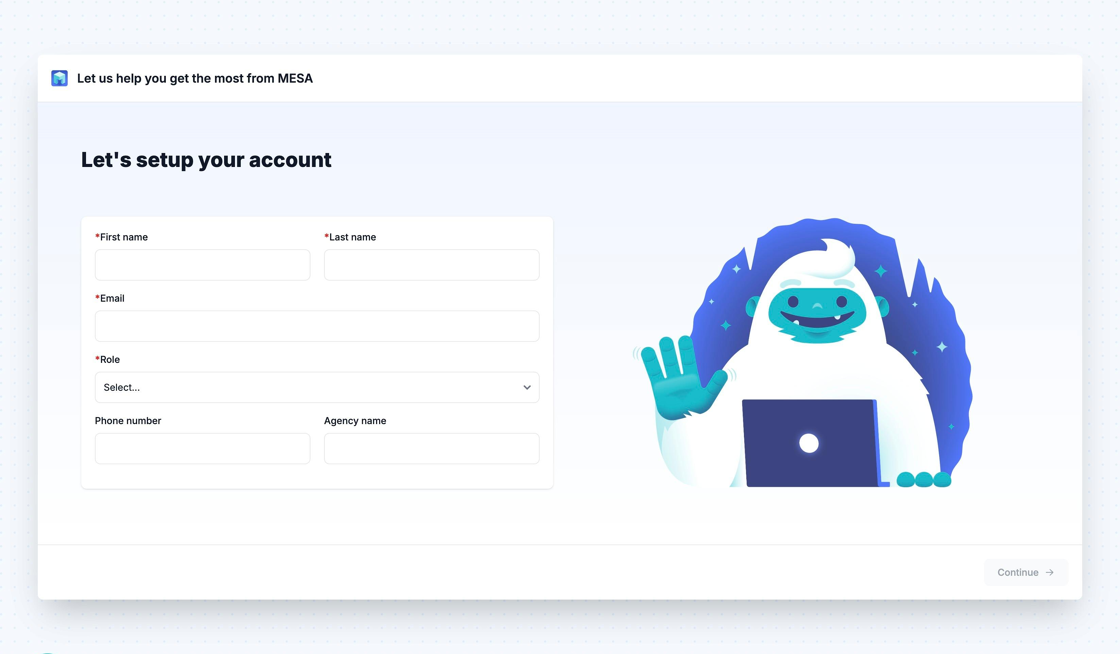
{% step %}
Create your MESA account
{% endstep %}
{% step %}
Select a plan and click "Continue" to start your 7-day free trial
{% endstep %}
{% step %}
Pick the apps you use and press "Continue"
{% hint style="info" %}
You can always change which apps you've picked later.
{% endhint %}
{% endstep %}
{% step %}
You're ready to automate!
{% endstep %}
{% endstepper %}