> For the complete documentation index, see [llms.txt](https://docs.getmesa.com/llms.txt). Markdown versions of documentation pages are available by appending `.md` to page URLs; this page is available as [Markdown](https://docs.getmesa.com/connect/shopify.md).
# Shopify
## Connection
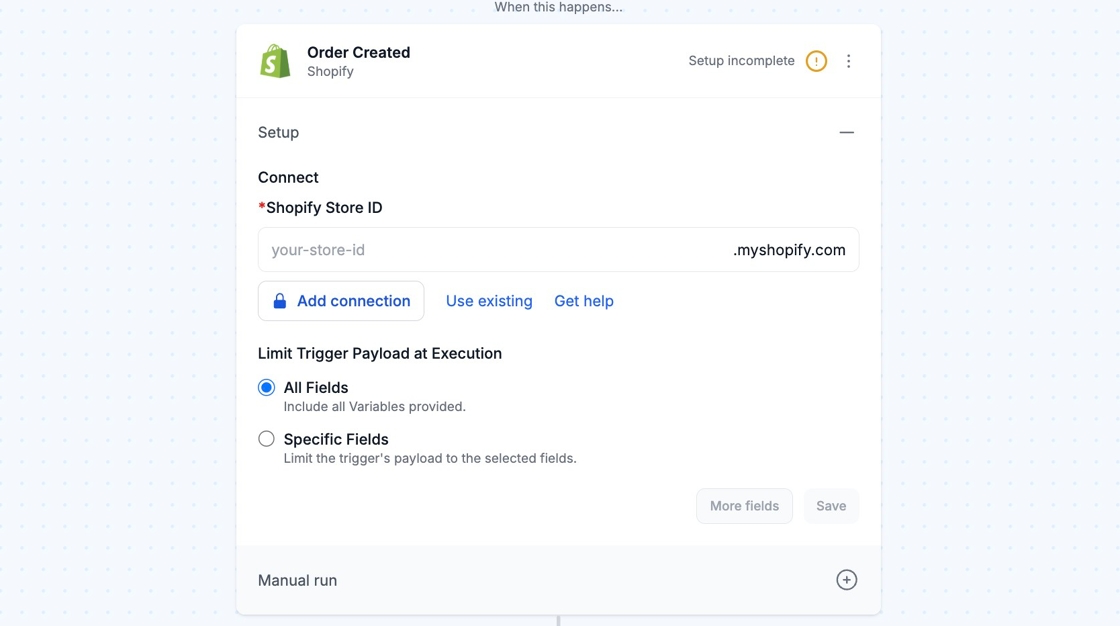
If you don't already have a Shopify connection created, enter your Shopify Store ID and click Add connection.
See the [Shopify Plus app](https://docs.getmesa.com/apps/shopify-plus) for authenticating Plus-only API’s.
## Configure
### Retrieving Shopify Data After a Delay Step
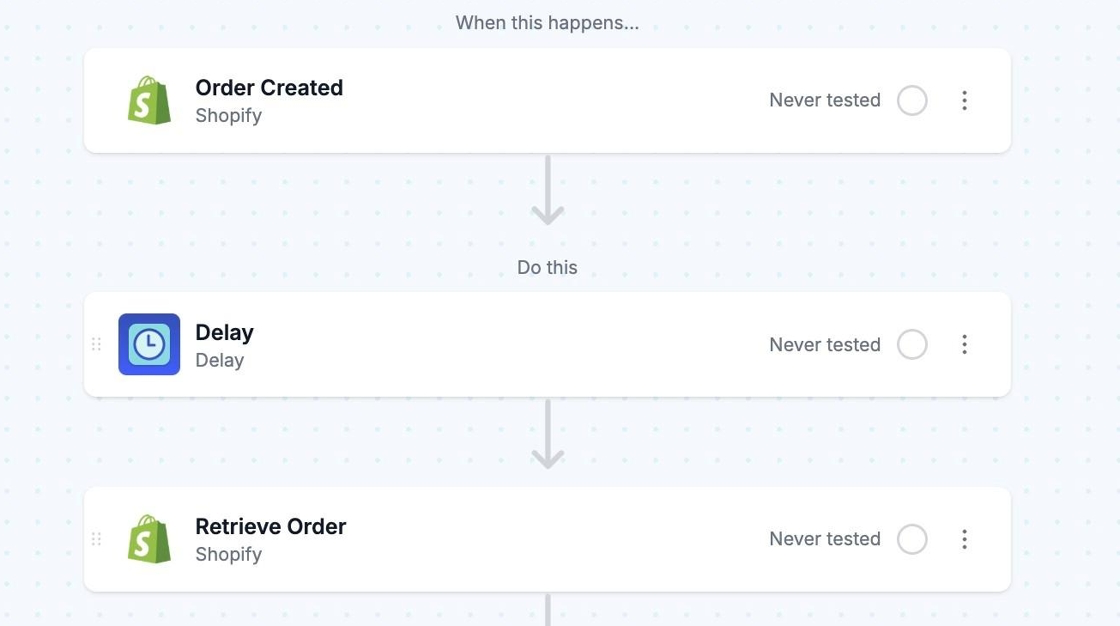
When using a [Delay](https://docs.getmesa.com/tools/delay) step in your workflow your Shopify data may be altered or updated while the delay processes. Add a Shopify Retrieve action after a delay step to ensure you're referencing the most up-to-date information for the endpoint you're working with.
This would be beneficial whenever you use a Delay step while working with endpoints like Shopify Customers, Orders, Products, or Metafields.
{% hint style="info" %}
View Shopify templates and tutorials [here](https://www.getmesa.com/apps/shopify/integrate)!
{% endhint %}